

Table of Contents
- Step 1: Assess Your Network and Identify Single Points of Failure
- Step 2: Implement Network Redundancy Solutions That Fit Your Risk Tolerance
- Step 3: Deploy Proactive Network Monitoring Tools for Real-Time Alerting
- Step 4: Follow a Preventative IT Infrastructure Maintenance Checklist
- Step 5: Build a Business Continuity and Disaster Recovery Plan
- Step 6: Prevent Cyberattacks That Cause Network Downtime in Business
- Step 7: Manage Vendors, Remote Work Infrastructure, and Cloud-Based Infrastructure
- Frequently Asked Questions
Last Updated: September 17, 2026
Step 1: Assess Your Network and Identify Single Points of Failure
Preventing network downtime in business starts with knowing exactly where your network can break. A single point of failure is any device, cable, or connection with no backup. If it fails, everything behind it goes dark.
Build a Current Network Topology Map
A network topology map diagrams every device, cable, and connection, showing how data moves from your modem to your switches, servers, and workstations.
- Your internet connection and router
- Every switch, firewall, and access point
- Servers, storage, and backup devices
- Printers, phones, and security cameras
- Which devices depend on which
Run a Formal Network Assessment
A formal assessment goes deeper than a map, testing real conditions to find weak spots before they fail. A common mistake is skipping it because “the network works fine”, it works fine until it doesn’t. An assessment checks:
- Bandwidth use during peak hours
- Device age and hardware lifecycle status
- Backup power coverage
- Where a single failure would take down the most systems
Watch Out
Ignoring single points of failure is the most expensive shortcut in IT. One failed switch or power supply can halt billing, phones, and patient records for hours. Find them on paper before they find you in production.
Step 2: Implement Network Redundancy Solutions That Fit Your Risk Tolerance
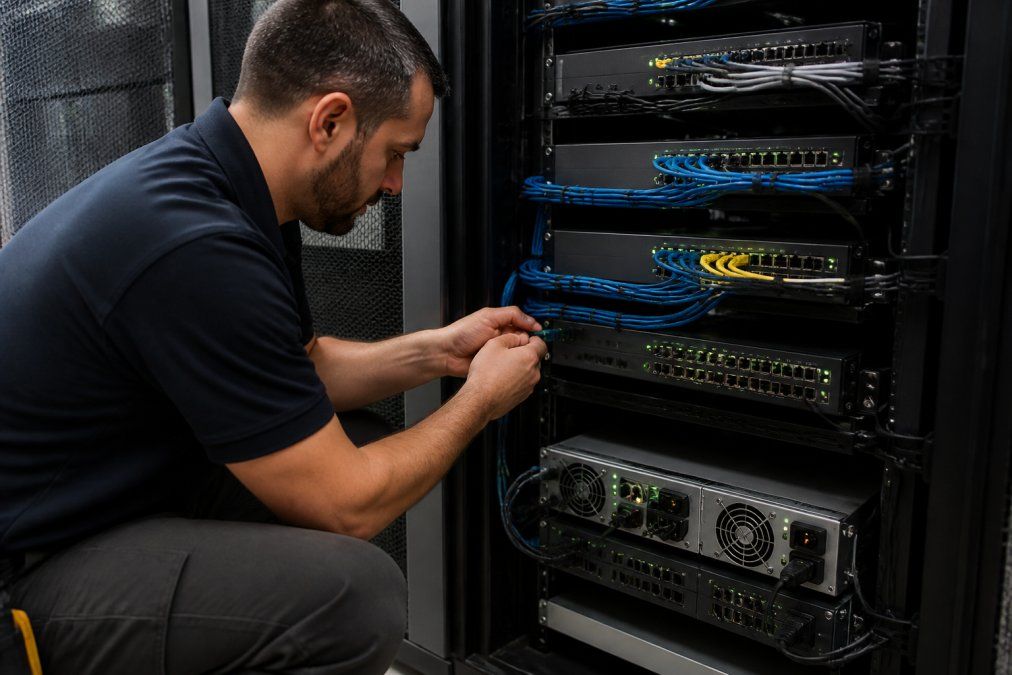
Network redundancy solutions duplicate the critical parts of your network so no single failure stops operations. The right level depends on how much downtime your business can survive, a dental practice with patient scheduling systems has different needs than a cloud-only startup.
ISP Redundancy and SD-WAN for Small Teams
ISP redundancy means a second internet connection from a different provider, so traffic shifts if one line goes down. The key word is different: two circuits from the same carrier often share conduit, central office, and backhaul, so one backhoe strike can take both out. Ask each provider for your circuit’s physical path and confirm the routes don’t overlap.
Failover can happen at several layers:
- Router-level failover: the edge router detects a dead WAN link and switches to the backup interface. Simple, but only protects against ISP failure.
- Firewall-level failover: a pair of firewalls in an active-passive or active-active cluster. Protects against both ISP and firewall hardware failure.
- SD-WAN overlay: policy-based routing across multiple links with per-application rules. The most flexible, but requires more configuration and monitoring.
Failover Systems and Power Protection
Failover systems switch to a backup device the moment the primary fails; power protection keeps equipment running when the grid drops. A UPS gives minutes of runtime to shut systems down safely, and a generator extends that to hours.
The Cost-Benefit Math for Redundancy
Most small and midsize businesses never run this calculation, so they either overspend on unneeded redundancy or underinvest and get burned. The framework:
- Estimate your cost of downtime per hour. Add lost revenue, idle labor, recovery labor, and contractual penalties, billable hours for a services firm, missed transactions for a retailer, rescheduled patients for a clinic.
- Estimate your annual hours of downtime risk. Multiply the probability of a failure event by the hours it would take to recover without redundancy.
- Multiply the two numbers. That’s your annual expected downtime cost.
- Compare against the annual cost of the redundancy option. Include hardware, licensing, the second ISP circuit, and any management overhead.
| Risk Level | Redundancy Approach | Best For |
|---|---|---|
| Low | Backup ISP + UPS on core devices | Small offices, low transaction volume |
| Medium | Dual ISP + SD-WAN + failover firewall | Clinics, law firms, growing teams |
| High | Full dual-path network + generator | 24/7 operations, high data dependency |
Key Takeaway
Redundancy is not a binary choice. Match the level of protection to the cost of the outage it prevents, and test every failover path at least quarterly.
Step 3: Deploy Proactive Network Monitoring Tools for Real-Time Alerting
Proactive network monitoring tools watch your systems around the clock and alert you the moment something drifts out of range, catching problems before users notice. Reactive support waits for a call; proactive monitoring finds the failing drive, overloaded switch, or flapping connection first, often the gap between a five-minute fix and a three-hour outage.
What to Track: Latency, Packet Loss, and Uptime
Three metrics tell you most of what you need to know:
- Latency: how long data takes to travel. Rising latency signals congestion.
- Packet loss: data that never arrives. Even small loss breaks calls and file transfers.
- Uptime: the percentage of time systems stay available.
Pro Tip
Set alert thresholds below your uptime SLA targets, not at them. If your service agreement promises 99.9% availability, alert at the point where you still have time to react, not after the breach.
Step 4: Follow a Preventative IT Infrastructure Maintenance Checklist
An IT infrastructure maintenance checklist turns routine care into a repeatable schedule, stopping small issues from becoming outages. Most downtime traces back to something ignored: a missed firmware update, a drive past its lifecycle, a backup that stopped working months ago.
Hardware Lifecycle Management and Firmware Updates
Hardware lifecycle management tracks the age and health of every device. Most network gear lasts three to seven years; past that, failure rates climb. Firmware updates close security holes and fix bugs, apply them on a schedule, not when something breaks.
- Inventory all hardware with purchase dates
- Flag devices past 80% of expected lifespan
- Apply firmware updates monthly
- Replace failed or aging drives proactively
- Test backup power quarterly
Server Backups and Data Integrity Checks
Server backups are only useful if they actually restore. Data integrity checks confirm your backups are complete and readable.
Step 5: Build a Business Continuity and Disaster Recovery Plan
Business continuity and disaster recovery is a written plan for keeping operations running during an outage and restoring systems afterward, the difference between a bad afternoon and a lost week. Business continuity covers how you keep working; disaster recovery covers how you rebuild. Both need clear owners, steps, and regular testing.
Your plan should define:
- Recovery time objective, or how fast systems must return
- Recovery point objective, or how much data you can afford to lose
- Who does what during an incident
- Where staff work if the office is unusable
- How you communicate with customers and staff
Step 6: Prevent Cyberattacks That Cause Network Downtime in Business
Cyberattacks are a leading cause of unplanned downtime, and most small businesses are not ready for them. Ransomware, denial-of-service floods, and compromised devices can take a network offline in minutes.
Incident Response Protocol and Cyber Resilience
An incident response protocol is a step-by-step plan for the moment an attack is detected; cyber resilience is your ability to keep operating while you recover. Build both around these basics:
- Segment your network so an infected device can’t spread
- Keep offline backups that ransomware can’t reach
- Require multi-factor authentication on every account
- Patch systems on a schedule
- Run practice drills so staff know the steps
Step 7: Manage Vendors, Remote Work Infrastructure, and Cloud-Based Infrastructure
Vendors, remote work, and cloud services all expand your network’s footprint, each adding a place where downtime can start. Managing them well is now part of preventing network downtime in business.
Vendor Management: Hold Your Providers Accountable
Your ISP, cloud host, VoIP provider, and managed service provider all make uptime promises, only as good as the SLA behind them, and most businesses never read the fine print until something breaks.
An SLA typically defines:
- Uptime commitment: often expressed as a percentage (99.9%, 99.99%).
- Measurement window: monthly, quarterly, or annual. A 99.9% monthly SLA allows roughly 43 minutes of downtime per month.
- Exclusions: scheduled maintenance, force majeure, and customer-caused issues usually don’t count against the provider.
- Remedies: service credits, not refunds. Credits are often capped at a fraction of your monthly bill.
What to do with that information:
- Track your own uptime. Don’t rely on the provider’s dashboard. Use an independent monitoring tool to log outages and build a record.
- Know your remedies. If a credit is the only remedy, calculate whether it actually offsets your loss. Usually it won’t, which is why redundancy matters more than SLA language.
- Ask for incident history. A provider that won’t share recent outage data is telling you something.
- Review contracts annually. As your business grows, your tolerance for downtime shrinks. Your SLA should shrink with it.
Remote Work Infrastructure: Reliability Beyond the Office
When staff work from home, your network perimeter dissolves: every home router, VPN connection, and personal device becomes part of your attack surface and a potential downtime source. The failure modes differ from the office:
- Residential internet is not business-grade. Consumer ISPs often have no SLA, shared bandwidth, and slower repair times. A single home outage can sideline a key employee for a day.
- VPN concentrators become single points of failure. If all remote staff tunnel through one appliance and it fails, everyone is offline. Consider redundant VPN endpoints or a cloud-based zero-trust access model.
- Home Wi-Fi is the weakest link. A cheap router from five years ago may not handle video calls and file transfers simultaneously. Standardize on a supported router model and provide it to remote staff.
- Split tunneling decisions matter. Routing all traffic through the corporate network protects data but adds latency and load. Routing only corporate traffic through the VPN preserves performance but requires endpoint security to compensate.
Cloud-Based Infrastructure: You Still Own Your Share
Cloud-based infrastructure shifts some risk to your provider, but not all: the provider secures the physical data center, hypervisor, and underlying network, while you still own your configuration, access controls, data, and application architecture. This is the shared responsibility model, and misreading it commonly causes cloud-related downtime. Practical implications:
- Multi-region or multi-zone deployment protects against a single data center failure. Not every workload needs it, but your critical ones probably do.
- Backup is not the provider’s job unless you’ve explicitly configured and paid for it. A deleted database is your problem, not theirs.
- Identity and access management is the most common cloud downtime vector. A misconfigured permission or a compromised admin account can take down services faster than any hardware failure.
- Egress and dependency mapping matters. If your application depends on a third-party API that goes down, your uptime is only as good as theirs.
Pro Tip
Review your vendor SLAs, remote access architecture, and cloud responsibility matrix at least once a year. The gaps that cause downtime usually appear when your business changes faster than your documentation does.
Frequently Asked Questions
What are the most common causes of business network downtime?
The most common causes are hardware failures, ISP outages, power loss, cyberattacks, and configuration errors. In small and mid-sized businesses, a single aging router or an unpatched firmware update often triggers hours of downtime. Regular network assessments, ISP redundancy, and proactive network monitoring tools catch most of these before they escalate. Root cause analysis after every incident also stops repeat failures.
How can small businesses calculate the cost of network downtime?
Start by multiplying the number of affected employees by their average hourly revenue contribution, then multiply by the hours of downtime. Add lost transactions, overtime to recover, and any SLA penalties. For example, 20 staff at $50 per hour for a 4-hour outage equals $4,000 in lost productivity alone. Tracking mean time to repair and system availability gives you a baseline to justify redundancy investments.
What is the difference between high availability and disaster recovery?
High availability keeps systems running during minor failures using failover systems, redundant hardware, and load balancing. Disaster recovery restores operations after a major event like a fire, flood, or ransomware attack, using server backups and a documented BCDR plan. High availability targets near-zero interruption; disaster recovery targets recovery time and recovery point objectives. Most businesses need both to maintain business continuity.
How often should network infrastructure be audited to prevent outages?
A full network assessment should happen at least once a year, with quarterly reviews of critical components like firewalls, switches, and uninterruptible power supply units. High-change environments, such as medical or legal practices adding staff or devices, benefit from a biannual audit. Between audits, use network performance metrics and real-time alerting to spot latency, packet loss, and bandwidth management issues early.