
Table of Contents
- Why Wireless Network Management Matters on Construction Sites
- Construction Site Internet Solutions: Fixed Wireless vs. Other Options
- Hardware Requirements and Site Layout Planning
- Real-Time Data, IoT Sensors, and BIM Integration
- Temporary Jobsite Network Security Best Practices
- Troubleshooting Construction Site WiFi Issues
- Wireless Network Management: Temporary vs. Permanent Infrastructure
- Frequently Asked Questions
Last Updated: August 30, 2026
Why Wireless Network Management Matters on Construction Sites
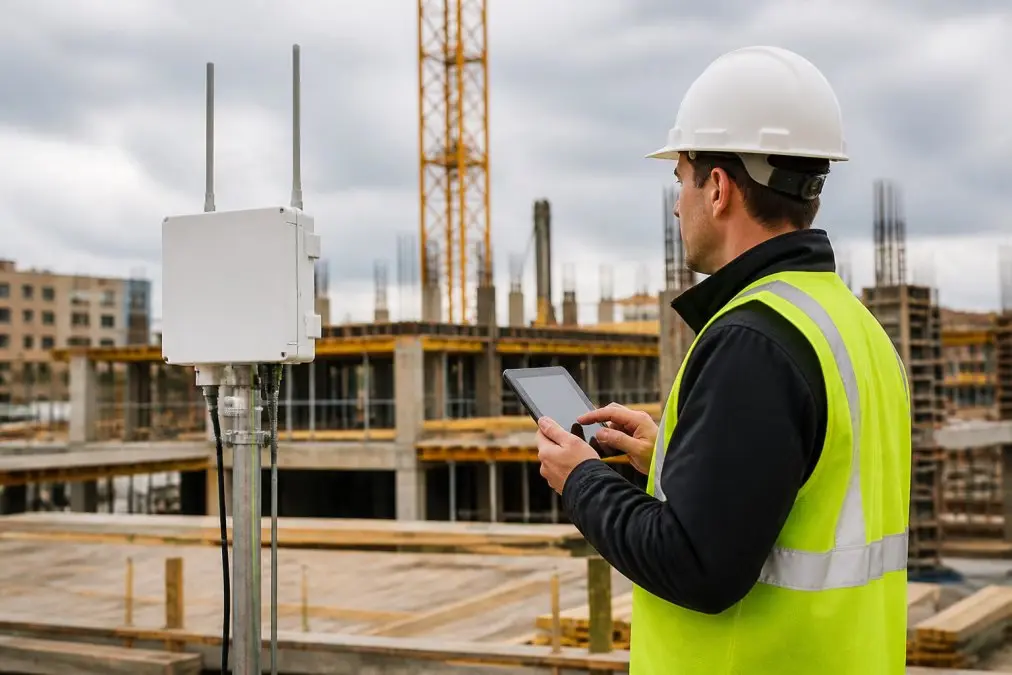
Wireless network management for construction sites is the practice of designing, deploying, monitoring, and securing wireless infrastructure across active jobsites to keep crews connected, data flowing, and operations on schedule. At Computer Experts Corp, we work directly with operations managers and project teams who have learned the hard way that a dropped connection on a jobsite stops work.
Construction sites are among the most demanding environments for network infrastructure. Equipment moves daily, crew sizes fluctuate, and physical structures block signal paths that were clear the week before. Unlike static office networks, jobsite connectivity must adapt constantly.
When field communication breaks down, project management software goes offline, IoT sensors stop reporting, and supervisors lose real-time visibility into site conditions. Below, we cover hardware selection, temporary jobsite network security, troubleshooting construction site WiFi issues, and the decision between temporary and permanent infrastructure.
Benefits of Jobsite Connectivity for Operations Teams
Reliable jobsite connectivity delivers measurable operational advantages. Operations teams gain real-time data from wireless sensors monitoring soil conditions, structural loads, and environmental factors. Project managers can run cloud-based collaboration tools directly from the site, reducing lag between field decisions and back-office updates.
Automated tracking through RFID and GPS keeps equipment inventories accurate without manual checks. Network redundancy means a single access point failure does not take down the entire site. The result is fewer delays, tighter coordination, and better documentation, all of which protect project margins.
Construction Site Internet Solutions: Fixed Wireless vs. Other Options
The right connectivity option depends on project duration, site layout, bandwidth requirements, and infrastructure tolerance.
Fixed Wireless Access for Temporary Deployments
Fixed wireless access delivers internet via radio signals between a provider tower and a receiver antenna mounted on-site, without running physical cable. For construction sites, it is often the most practical solution for temporary deployments lasting several months to a few years.
Setup is faster than trenching fiber, and monthly costs scale with project timeline rather than locking you into long-term contracts. Signal strength is predictable once line-of-sight is established. The limitation: fixed wireless access requires clear line of sight, which becomes harder to maintain as structures rise and obstruct the signal path.
According to the FCC’s Broadband Deployment Advisory Committee guidance, fixed wireless access is increasingly viable for temporary and semi-permanent installations where traditional broadband infrastructure is impractical.
5G Business Internet and Mesh Networking
5G business internet has changed the calculus for jobsite connectivity. Where 4G LTE struggled with high-bandwidth tools like video surveillance and BIM software, 5G’s higher throughput and lower latency make it a credible primary connection for mid-sized sites.
Mesh networking complements 5G well. Multiple nodes communicate with each other, extending coverage across large site layouts without requiring every node to connect directly to the primary uplink. This is particularly effective on sprawling sites where a single access point cannot cover the full footprint.
Pro Tip
For sites larger than two acres, deploy mesh networking with at least one dedicated backhaul node that connects directly to the primary uplink. This prevents the entire mesh from degrading if edge nodes become congested.
Hardware Requirements and Site Layout Planning
Hardware selection is where most jobsite network projects go wrong. Standard commercial-grade access points are not built for construction environments. Dust, vibration, temperature swings, and moisture degrade consumer hardware within weeks.
Industrial-grade wireless access points rated for outdoor use typically carry IP65 or IP67 ratings, meaning they are dust-tight and water-resistant. Look for units that support Wi-Fi 6 (802.11ax), which handles more simultaneous device connections efficiently, relevant on a site where dozens of tablets, sensors, and cameras compete for bandwidth.
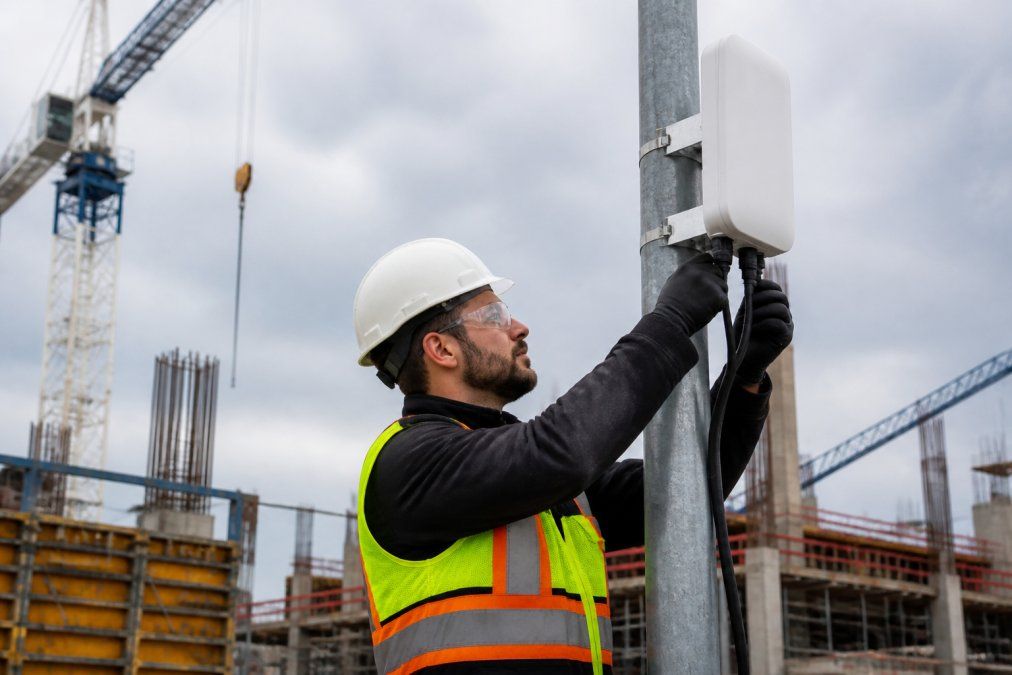
Site layout planning should happen before hardware ships to the site. Map primary work zones, physical obstructions affecting signal propagation, power source locations, and cable routing paths for wired backhaul. Design network redundancy from the start, a single uplink with no failover is an operational risk. Consider a secondary 5G connection that activates automatically if the primary link drops.
| Hardware Component | Minimum Specification | Why It Matters |
|---|---|---|
| Outdoor access points | IP65 rated, Wi-Fi 6 | Dust/water resistance, device density |
| Mesh nodes | Dual-band, dedicated backhaul | Reduces latency across large sites |
| Cellular router | 5G capable, dual-SIM | Primary or failover uplink |
| Cabling | Industrial Cat6A or fiber | Reliable wired backhaul to core nodes |
| UPS / power backup | Site-rated UPS units | Maintains uptime during power fluctuations |
Real-Time Data, IoT Sensors, and BIM Integration
Wireless network value multiplies when the network carries more than crew communications. IoT sensors handle soil condition monitoring, structural movement detection, air quality measurement, and equipment tracking. All of that data is only useful if the network delivers it reliably and in real time.
IoT sensors are small networked devices that capture environmental or operational data and transmit it wirelessly to a central platform. On a construction site, these sensors generate continuous streams of low-bandwidth data that aggregate into high-value operational intelligence.
BIM software integration is particularly powerful. Building Information Modeling tools overlay real-time sensor data onto a live 3D model of the structure under construction. A temperature anomaly in a concrete pour, a settlement reading from a soil sensor, or a vibration alert from a structural member can be flagged directly inside the BIM environment, giving engineers the context they need to act quickly.
The network requirement is non-trivial. BIM software is high-bandwidth. Syncing large model files across the site requires sustained throughput. Plan bandwidth allocation accordingly and prioritize BIM traffic using quality-of-service settings on your network hardware.
As NIST’s guidelines on IoT device security note, IoT devices on shared networks introduce specific security considerations that must be addressed at the infrastructure level.
Key Takeaway
BIM integration and IoT sensor networks require dedicated bandwidth allocation and network segmentation to function reliably alongside standard crew communications.
Temporary Jobsite Network Security Best Practices
Temporary jobsite network security is a category most construction IT setups handle poorly. The assumption that temporary networks do not need the same rigor as permanent installations is wrong and increasingly exploited.
Construction sites handle sensitive data: subcontractor contracts, financial draws, architectural drawings, and personnel records. A compromised network exposes all of it. The temporary nature actually increases risk, because configurations are rushed and monitoring is inconsistent.
Core security practices for temporary deployments:
- Segment your network. Put IoT sensors, crew devices, and administrative systems on separate VLANs. A compromised sensor should not provide a path to project financial data.
- Use WPA3 encryption on all wireless access points. WPA2 has known vulnerabilities that are straightforward to exploit.
- Disable default credentials on every piece of hardware before it goes live on-site.
- Deploy a VPN for any remote access to site systems.
- Enable logging and alerting on your network infrastructure. You cannot respond to an incident you cannot detect.
Cybersecurity for IoT Devices On-Site
IoT devices deserve their own security framework on a jobsite network. Many IoT sensors ship with firmware that is never updated after installation, creating persistent vulnerabilities.
Place all IoT devices on a dedicated, isolated network segment with outbound-only internet access where possible. Restrict device-to-device communication unless a specific use case requires it. Audit firmware versions during network maintenance cycles and update them when patches are available.
According to CISA’s guidance on securing industrial IoT devices, network segmentation and firmware management are the two highest-impact controls for reducing IoT-related attack surface in operational environments.
Watch Out
Never deploy IoT sensors on the same network segment as administrative systems. A single compromised sensor can serve as a foothold for lateral movement across the entire site network if segmentation is not enforced.
Troubleshooting Construction Site WiFi Issues
Troubleshooting construction site WiFi issues starts with understanding that the problem is almost never the access point itself. The dynamic environment is the real culprit.
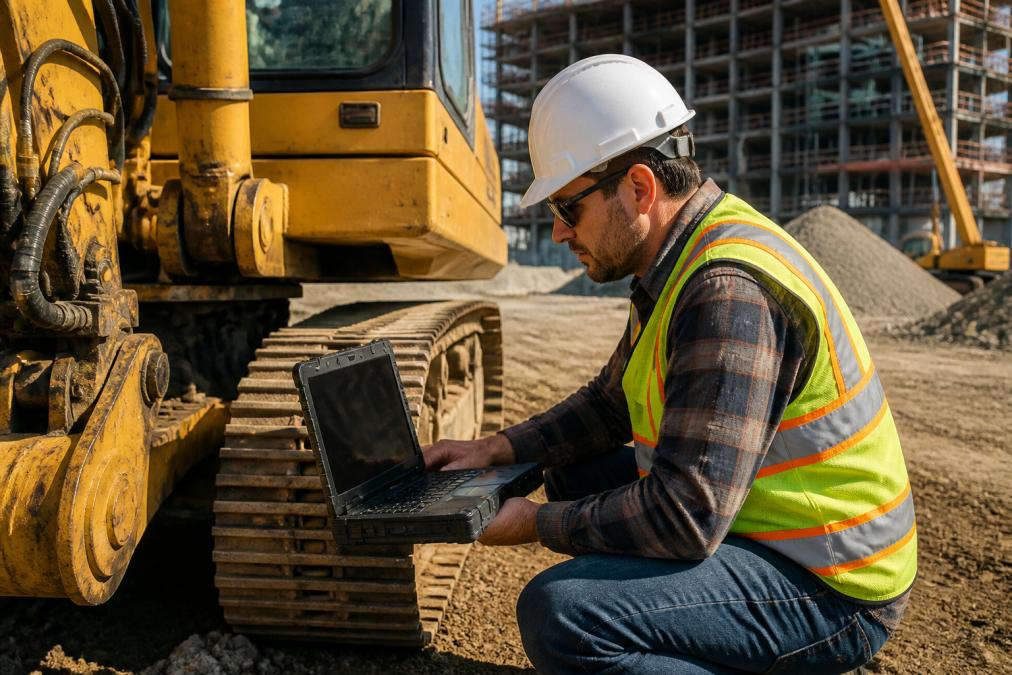
When connectivity drops or degrades, work through this sequence:
- Check physical obstructions first. Has new framing, equipment, or material staging changed since the network last performed well? Signal strength falls sharply when metal structures move between access points and client devices.
- Verify uplink status. Is the primary fixed wireless access or 5G connection active?
- Review device association logs. Are client devices connecting to the correct access point, or holding onto a distant, weak signal?
- Check for interference. Heavy machinery with electric motors generates RF interference that degrades 2.4 GHz signals. Switch affected access points to 5 GHz channels where possible.
- Inspect physical hardware. Vibration from heavy equipment loosens connections and can damage access points that are not properly secured.
How Heavy Machinery and Dynamic Environments Affect Signal
Heavy machinery is the most underestimated factor in construction site WiFi performance. Large metal structures absorb and reflect radio signals, creating dead zones that shift as equipment moves. Cranes, excavators, and steel delivery vehicles can temporarily block line-of-sight paths between mesh nodes, causing the network to reroute traffic through longer paths and increasing latency.
The fix is not always more access points. Sometimes it is smarter placement: mounting nodes higher to clear equipment rooflines, or using directional antennas to focus signal along predictable traffic corridors.
Network Maintenance Protocols to Prevent Downtime
Reactive troubleshooting is expensive. A scheduled maintenance protocol prevents the incidents that stop work.
Recommended maintenance cadence for a temporary jobsite network:
- Weekly: Review network monitoring dashboards for anomalies in uptime, throughput, and device counts
- Bi-weekly: Physical inspection of all access point mounts, cable connections, and enclosures
- Monthly: Firmware update check for all network hardware and IoT devices
- After major site changes: Full signal strength survey to identify new dead zones created by structural progress
Wireless Network Management: Temporary vs. Permanent Infrastructure
The cost-benefit analysis between temporary and permanent wireless infrastructure is one of the most consequential decisions in construction site network planning.
Temporary network infrastructure uses portable or leased equipment deployed for the project duration and removed at completion. Setup is faster, capital outlay is lower, and equipment can be reused across projects. The downside: temporary setups are configured and then largely left alone, allowing configuration drift and security gaps to accumulate.
Permanent wireless infrastructure makes sense when a site will operate for several years, when the facility will need network coverage after construction completes, or when operational complexity justifies the investment. The upfront cost is higher, but ongoing management is more straightforward.
| Factor | Temporary Infrastructure | Permanent Infrastructure |
|---|---|---|
| Project duration | Under 18 months | 18+ months or ongoing facility use |
| Capital preference | Lower upfront, higher per-month | Higher upfront, lower ongoing |
| Security posture | Requires active management | Easier to maintain consistently |
| Scalability | Limited by portable hardware | Designed for expansion |
| Post-project value | Equipment redeployable | Stays with the facility |
Computer Experts Corp provides both temporary and permanent wireless network design for construction and logistics operations, with 24/7 support to handle incidents outside business hours. Our network design services cover site surveys, hardware specification, installation coordination, and ongoing monitoring, so your operations team manages the project instead of troubleshooting access points.
The cost of a temporary network that fails repeatedly often exceeds the cost of a properly engineered permanent installation by project close. Run that calculation before defaulting to the cheapest option.
Frequently Asked Questions
How do you provide reliable WiFi on a remote construction site?
Start with a fixed wireless access point or 5G business internet router as your primary uplink, then extend coverage using a mesh networking system across the site. Place access points on elevated structures to reduce obstruction from equipment and materials. Build in network redundancy with a cellular failover connection so operations continue if the primary link drops. A managed IT provider can handle ongoing monitoring and uptime management so your crew stays connected throughout the project.
What are the best practices for securing a temporary construction network?
Segment your network so IoT sensors, surveillance cameras, and staff devices each operate on separate VLANs. Use WPA3 encryption on all wireless access points and enforce strong, rotated passwords. Disable remote management ports on routers unless actively needed. Apply firmware updates on a scheduled basis and audit connected devices weekly. For sites handling sensitive project data or BIM files, a VPN tunnel back to your main office adds another layer of protection against unauthorized access.
How does heavy machinery affect wireless signal strength on job sites?
Large metal structures and moving machinery act as physical barriers that absorb and reflect radio signals, creating dead zones and causing signal fluctuations. Equipment running electric motors also generates electromagnetic interference that degrades data throughput. The solution is to position access points above the machinery line of sight, use 5 GHz bands for high-bandwidth tools in open areas, and fall back to 2.4 GHz for longer range where obstructions are unavoidable. Regular site surveys help identify and fix coverage gaps as the site layout changes.
Can managed IT services improve jobsite network performance?
Yes. A managed IT provider handles remote monitoring of signal strength, bandwidth usage, and device uptime so problems are caught before they cause downtime. They also manage firmware updates, security patches, and network troubleshooting without requiring an on-site technician for every issue. For construction companies managing multiple active sites, centralized wireless network management through a managed services partner reduces the burden on operations managers and keeps all locations consistently configured and secure.
Effective wireless network management for construction sites requires deliberate planning, hardware suited to the environment, and ongoing maintenance discipline. Computer Experts Corp has the infrastructure expertise and on-site support capability to design, deploy, and manage jobsite networks that stay up when the work depends on them. Learn more about our services today.
This article was written using GrandRanker