Key Takeaways
- Computer fix services now combine remote support, in-shop repairs, and on-site visits to solve most issues within the same day or within 24–48 hours, with providers ready to assist with urgent issues and immediate availability.
- Services typically cover virus removal, data recovery, hardware repair, system optimization, and business IT support for both Windows and macOS devices.
- Computer optimization services can improve boot up times and speed up slow PCs, ensuring your system is running at its best.
- Customers can choose between one-time fixes (from around $60–$80 per session) and ongoing subscription or contract-based support for multiple computers.
- Secure remote connections using encrypted tools and clear warranties such as 30-day labor guarantees protect your data and investment.
- Match the level of service (remote, carry-in, on-site, or on-demand IT) to the urgency, complexity, and business impact of your computer problem.
What Are Computer Fix Services?
Computer fix services provide professional help for diagnosing and repairing software, hardware, and network issues on desktops, laptops, and connected devices. These services address the full spectrum of technology problems that disrupt daily productivity—from minor annoyances to critical system failures.
Typical user scenarios include:
- Slow computers that take forever to boot or load applications
- Frequent crashes and blue screen errors
- Lost files and corrupted data
- Printer connectivity problems
- Malware infections and spyware alerts
These services are available for home users, students, freelancers, and businesses. Providers understand a wide range of technical issues and can help clients comprehend and resolve their computer problems through expert support and diagnostics. Most providers operate during standard business hours, while some offer 24/7 support for urgent situations. Depending on the nature of your computer issues, support can be delivered remotely over the internet, at a repair shop, or on-site at your home or office. Many providers have a physical store where customers can drop off devices, purchase parts, or seek support.
Reputable providers employ certified technicians with credentials from CompTIA, Microsoft, Apple, or Dell. Certifications such as CompTIA A+ or Microsoft Certified Professional indicate industry-standard expertise. uBreakiFix by Asurion provides free diagnostics on broken laptops, desktops, and handheld devices. Micro Center features certified technicians for in-store hardware repairs, including screen, GPU, and fan replacements, and offers expert consultations for troubleshooting and diagnosis both in-store and on-site. Look for clearly published policies and transparent pricing before committing to any service.
Types of Computer Fix Services Available
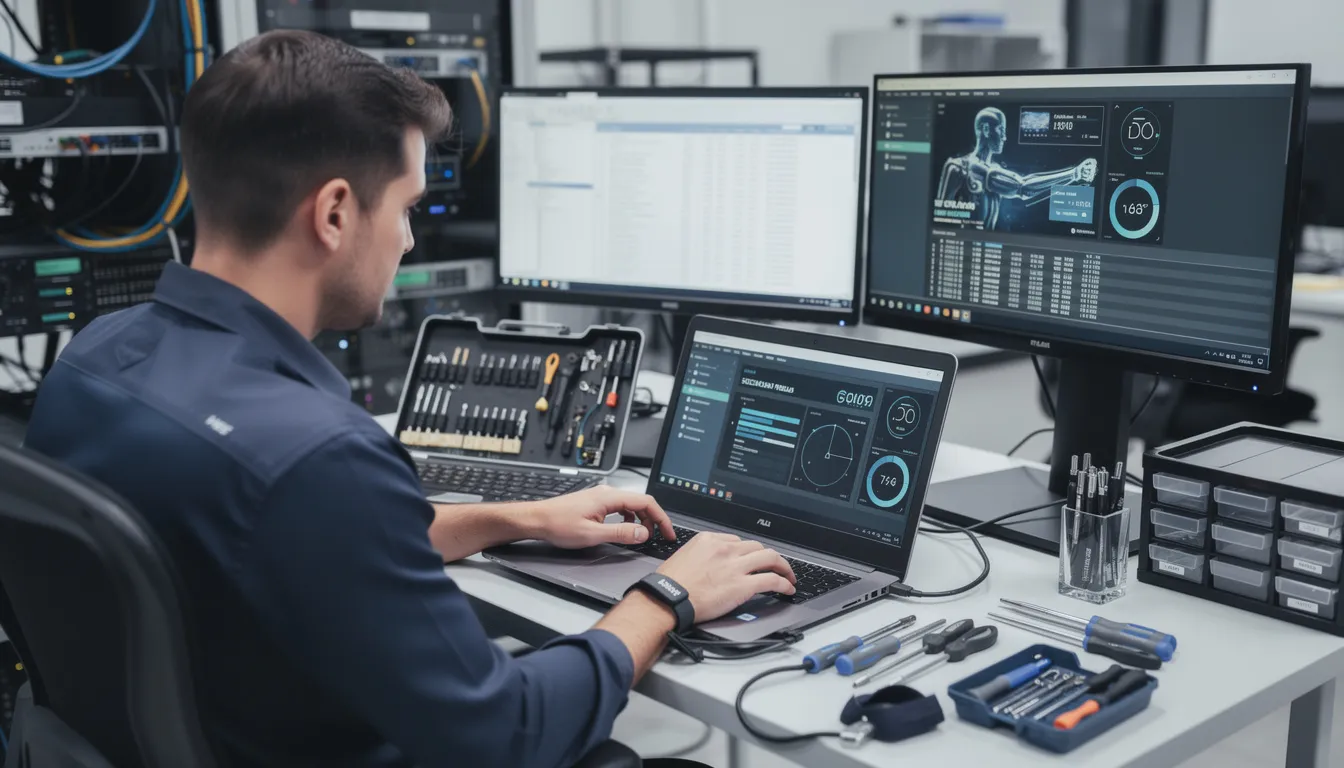
Modern computer repair is a mix of remote troubleshooting, physical repairs, and broader IT services. Providers offer a variety of service options to meet different customer needs, such as comprehensive computer repair services across the San Francisco Bay Area. Understanding your options helps you choose the most efficient path to getting your devices running smoothly again.
Main service categories include:
- Remote repair sessions
- Best For: Software issues, virus removal, system optimization
- Typical Turnaround: 30–90 minutes
- Carry-in (walk-in) shop repairs
- Best For: Hardware failures, screen replacements, upgrades
- Typical Turnaround: 1–3 business days
- Scheduled on-site visits
- Best For: Network setup, multi-device issues, business environments
- Typical Turnaround: Same day to 48 hours
- Ongoing service contracts
- Best For: Businesses needing proactive IT management
- Typical Turnaround: Continuous
Many remote computer repair services offer 24/7 support and transparent pricing with no hidden fees. Many providers support both Windows and macOS systems, plus common peripherals like printers, external drives, and routers.
Some providers offer one-time, pay-per-incident services, while others focus on long-term managed or on-demand IT relationships. On-demand IT services use a pay-as-you-go model, letting you engage experts for specific issues, projects, or immediate support. Consider the nature of your issue when choosing a service type—software-only problems often resolve quickly via remote support, while hardware damage requires hands-on repair.
Remote Computer Fix & Online Support
Remote repair works by having a technician connect securely to your PC or Mac over the internet to diagnose and fix problems in real time. For small businesses, mastering remote IT support for small businesses can also significantly reduce costs and improve responsiveness. This approach eliminates travel time and gets you back to work faster.
How remote support works:
- You contact the provider via phone, chat, or their website
- A technician sends you a secure connection link
- You grant permission for them to access your screen
- The technician diagnoses and resolves the issue while you watch
- You revoke access once the session ends
Typical tools include TeamViewer-style applications and encrypted remote access software. These tools use strong encryption and require your explicit permission to start and stop—your security stays protected throughout the process.
Common issues handled remotely:
- Virus and spyware removal
- Browser hijacks and pop-up infections
- Slow performance and boot problems
- Software installation errors
- Email and printer setup
- Operating system tune-ups and driver updates
Many providers offer 24/7 online support via phone, chat, or ticket systems, sometimes covering up to 3–5 computers per household or small office, similar to dedicated home IT support services in San Jose.
Pricing models for remote support:
- Per-session one-time fixes: typically $60–$80 flat fee
- Time-based billing: around $20–$30 per 15 minutes
- Monthly or annual subscriptions: unlimited support during the term
Remote support works best when your computer can still start and connect to the internet. Physical damage or devices that will not boot typically require in-person repair.
In-Shop, Carry-In, and On-Site Repair Services
When remote support cannot address your problem, in-person repairs become necessary. Many customers visit a physical store for in-person service, support, and to drop off their devices for repair. Hardware failures, liquid damage, and computers that will not boot require hands-on diagnosis and physical repair work.
Reputable computer repair shops often feature a ‘No Fix, No Fee’ policy, meaning you are not charged if they cannot resolve the issue. A reputable technician should also guarantee their work with a warranty and carry insurance to protect against any damage during the repair process. For repairs under warranty, it is advisable to go directly to the manufacturer or an authorized partner to ensure genuine parts are used.
Carry-In Services
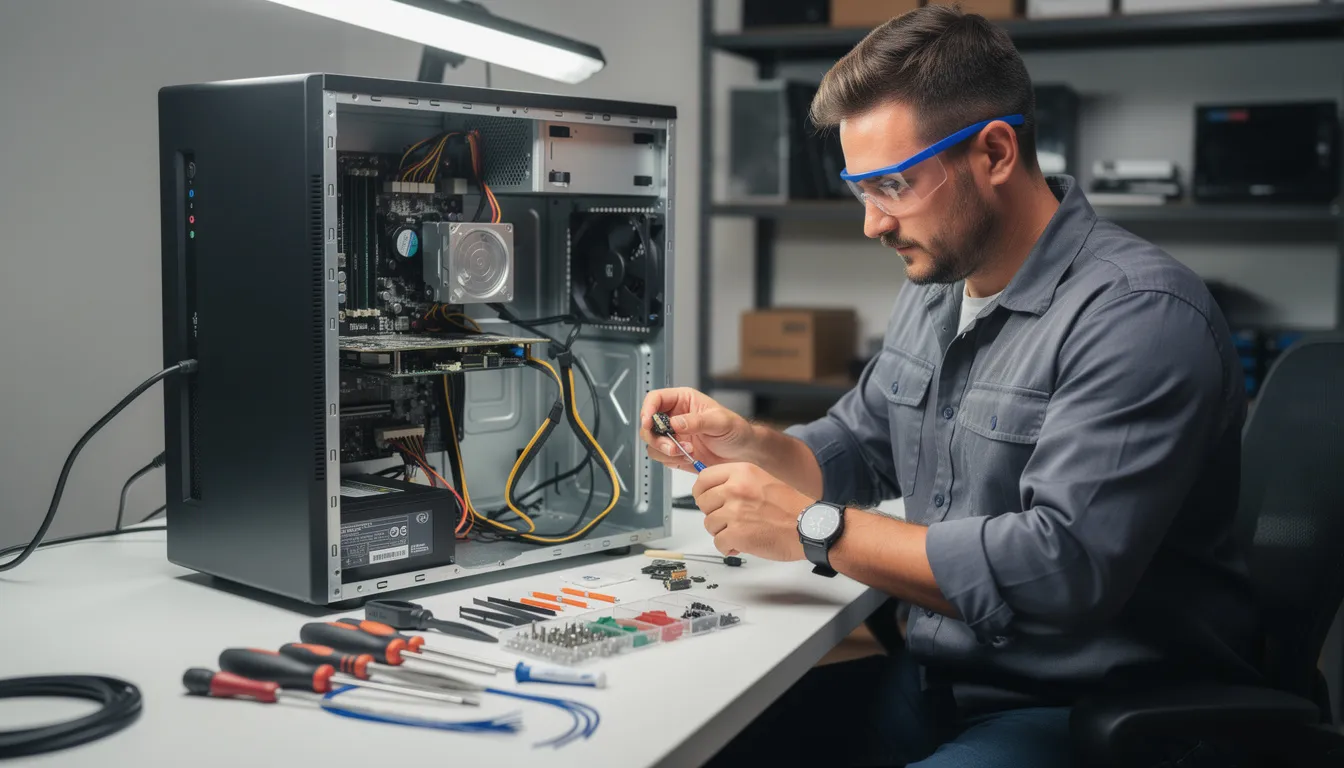
Customers bring their computer to a local shop for diagnostics and repair. Most shops accept walk-ins without appointments, making this option convenient for busy schedules. Typical turnaround runs 1–3 business days depending on parts availability and queue length.
Common in-shop services include:
- Hard drive and SSD replacement
- RAM upgrades
- Laptop screen and keyboard replacement
- Battery swaps
- Power supply repairs
- Internal cleaning and thermal paste replacement
On-Site Services
Technicians travel to homes or offices to address issues that cannot wait or involve multiple systems. This option suits network troubleshooting, multi-device setups, server problems, and urgent business downtime situations where bringing equipment to a shop is impractical.
Many providers offer “no fix, no fee” guarantees and 30-day labor warranties. Some waive diagnostic fees if you proceed with the repair.
Preparing for in-person repair:
- Back up your data where possible
- Note down any passwords the technician might need
- Bring power adapters and relevant accessories
- Document the specific problem or error messages you have seen
Core Services: From Virus Removal to Data Recovery
Computer fix providers typically bundle multiple technical services rather than focusing on a single type of repair. Understanding what is available helps you ensure your specific needs get addressed.
Virus and Malware Removal
Professional virus removal goes beyond running a basic scan. Technicians detect and eliminate trojans, spyware, adware, and ransomware using specialized tools. They also install or configure antivirus and firewall software, harden your browsers against future infections, and secure your email settings.
Performance Optimization
A comprehensive tune-up includes:
- Cleaning up startup programs that slow boot times
- Removing bloatware and unnecessary applications
- Updating drivers and operating system components
- Checking for failing hard drives with diagnostic tools
- Recommending SSD or RAM upgrades for older systems
Data Services
Data recovery extracts inaccessible files from damaged storage devices using forensic tools and, in severe cases, cleanroom environments. Additional data services include:
- Data transfer when moving to a new computer
- Drive cloning for backup or migration
- Cloud backup configuration
- File system repair for corrupted drives
System and Software Support
Technicians assist with operating system installation or reinstallation, driver setup, and Microsoft 365 configuration. They also troubleshoot productivity applications like Zoom, Teams, and office suites to ensure your workflow stays efficient.
Advanced providers can assist with network configuration including Wi-Fi optimization, printer setup, and router security—plus home and small office IT solutions that cover security audits and multi-device synchronization for small offices.
Business IT & On-Demand Support Contracts
Businesses often need more than occasional repair—they require proactive, ongoing IT support to avoid downtime. Choosing a provider that emphasizes cost-effective onsite and offsite IT support is essential, as studies show server downtime can cost businesses thousands of dollars per minute, making reliable tech support a critical investment.
On-Demand IT Services
Pay-as-you-go support works well for specific projects such as:
- Server migrations
- New office network setups
- Emergency incident response
- Seasonal capacity increases
Contract Options
| Contract Type | Structure | Best For |
|---|---|---|
| Support hour bundles | 5, 10, 25, 50, or 100 prepaid hours | Occasional support needs |
| Monthly retainers | Fixed monthly fee for defined services | Predictable ongoing support |
| Hybrid models | Remote monitoring plus scheduled on-site visits | Comprehensive coverage |
Common business services include:
- Secure network design and implementation
- Indoor and outdoor Wi-Fi deployment
- Camera and access control integration
- Backup strategies and disaster recovery planning
- Cloud migrations and hybrid infrastructure
Many providers also offer IT consulting and training to help your team with cybersecurity basics, productivity tools, and best practices for safe remote work, often sharing additional insights through technology solutions blogs for businesses.
When evaluating business IT providers, review their SLAs carefully—check response times, coverage hours, and escalation procedures. Determine whether they offer both local presence and national-level resources for your specific needs.
How Much Do Computer Fix Services Cost?
Pricing varies by region, complexity, and service model, but common ranges help you budget appropriately and compare options.
One-Time Remote Repair
- Per-incident flat fee: $60–$80 for a complete fix
- Time-based billing: $20–$30 per 15-minute block
- Complex software issues: May require multiple sessions
In-Shop Hardware Repair
Typical pricing structure:
- Diagnostic fee: $30–$75 (often waived if you proceed with repair)
- Parts cost: Varies by component (SSDs, screens, RAM)
- Labor: Usually quoted as part of clear estimate before work begins
Subscription and Annual Plans
- Per-device or per-household pricing
- May include antivirus and firewall protection
- Cloud backup (10–50 GB or more)
- Unlimited help requests during the term
Business Contract Structures
- Ad-hoc hourly rates: $75–$150 per hour depending on expertise level
- Prepaid hour blocks: Discounted rates for volume commitment
- Managed services: Flat monthly fees with guaranteed response times
Compare what is included—warranties, backup tools, security software, remote monitoring—rather than deciding based solely on the headline price. Transparent pricing means no surprise charges after the work is done.
How to Choose a Reliable Computer Fix Service Provider
The right provider should be judged on expertise, transparency, security, and customer experience—not just cost.
Check credentials:
- Look for certifications from Microsoft, Apple, Dell, or CompTIA
- Verify years in business and technician experience
- Confirm background checks for remote and on-site technicians
Evaluate transparency:
- Clear written estimates before work begins
- Documented scope of work
- Published pricing on their website
- Explicit service and privacy policies
Assess security practices:
- Encrypted remote connections
- No password storage without consent
- Clear rules on data access and backups
Review customer feedback:
- Read recent reviews from multiple platforms
- Ask about warranty terms and “no fix, no fee” policies
- Inquire about turnaround times for common repairs
Business customers should request references from similar-sized organizations and ask about disaster recovery and backup strategies. Working with an experienced provider like Computer Experts Corporation, founded in 1988 in the Bay Area, can ensure a dedicated team that understands your industry and can provide better, more comprehensive support.

Frequently Asked Questions (FAQ)
Can remote computer fix services help if my PC will not turn on?
Remote services generally require the computer to power on and connect to the internet, so complete power failures or non-booting systems usually need in-shop or on-site diagnosis. A technician can still offer phone-based troubleshooting to identify whether the problem is likely related to the power supply, battery, or external accessories. Avoid repeatedly powering on a device that shows burning smells, sparks, or unusual noises—unplug it and seek immediate in-person help.
How long does a typical computer repair take?
Many straightforward remote fixes like virus removal or software errors resolve within 30–90 minutes in a single session. In-shop hardware repairs often take 1–3 business days, depending on diagnostic time, parts availability, and queue length. Complex jobs such as data recovery from failing drives or large network overhauls can extend to several days or weeks, and providers should give updated timelines throughout the process.
Will I lose my files during a computer repair?
Reputable technicians aim to preserve your data and will typically back up or image drives before major changes like operating system reinstalls. In cases of severe drive failure, data loss may already have occurred, and a specialized data recovery attempt may be needed with no guaranteed outcome. Maintain regular backups—both local and cloud—so routine repairs do not put important documents, photos, and business files at risk.
Is it safe to let someone connect to my computer remotely?
When done properly with reputable tools, remote access sessions use strong encryption and require explicit permission to start and stop. Only work with trusted companies, verify website and contact information, and never grant access to unsolicited callers claiming to be “tech support.” Stay at the keyboard during the session, watch what the technician is doing, and immediately terminate access if anything seems suspicious.
How often should I schedule maintenance to avoid major computer problems?
Home users should run security scans and basic cleanups monthly and consider a professional tune-up every 6–12 months. Businesses with multiple devices benefit from ongoing monitoring and maintenance through a service contract to proactively catch issues before they cause downtime. Regular updates, backups, and hardware health checks significantly extend the usable life of computers and reduce unexpected problems.
