
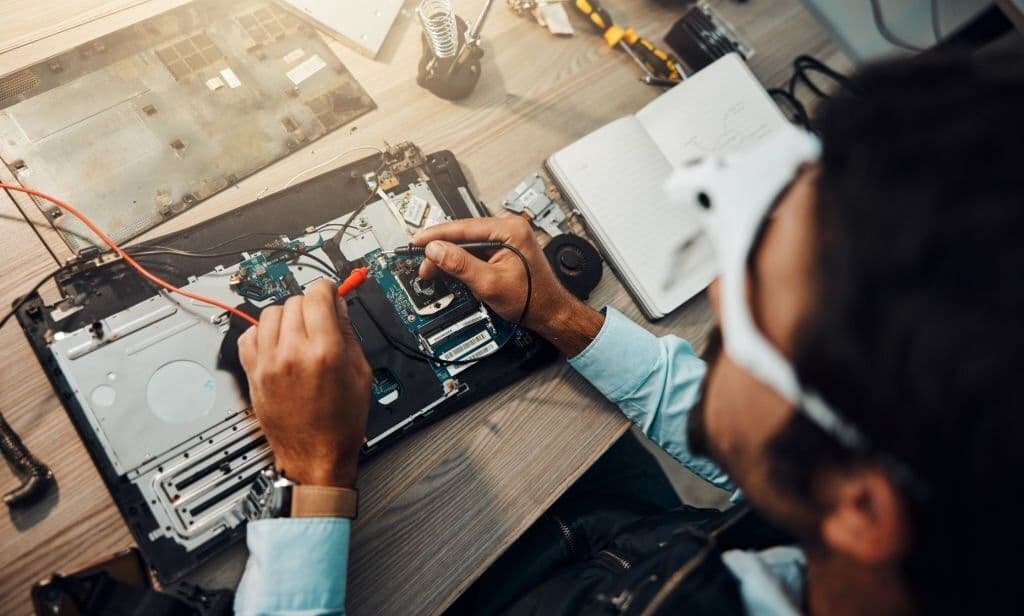
Before getting your computer repaired, compare the repair and replacement costs, back up the files you need if possible, and ask what the service includes.
Decide Whether Repair Is Worth the Cost
Get a repair estimate and compare it with the cost of a replacement that meets your needs. Consider parts availability and whether the computer can still run a supported operating system and your essential applications.
Back Up Important Files Before Service
If the computer still works, copy important files to a separate drive or backup service and confirm you can open them. If the drive appears to be failing or the files are already inaccessible, ask the technician about recovery before attempting repairs.
Compare Quotes and Technician Qualifications
Ask for a written estimate, the technician’s experience with your model, and the repair warranty. If you compare several quotes, check whether each includes diagnostics, parts, and labor.